For partners · 4 min read
Your partner dashboard
A tour of the Partner Console and what each section of the sidebar does.
After enlisting you land in the Partner Console at /client-dashboard. The left sidebar is your main navigation; its header shows your business name and current plan.
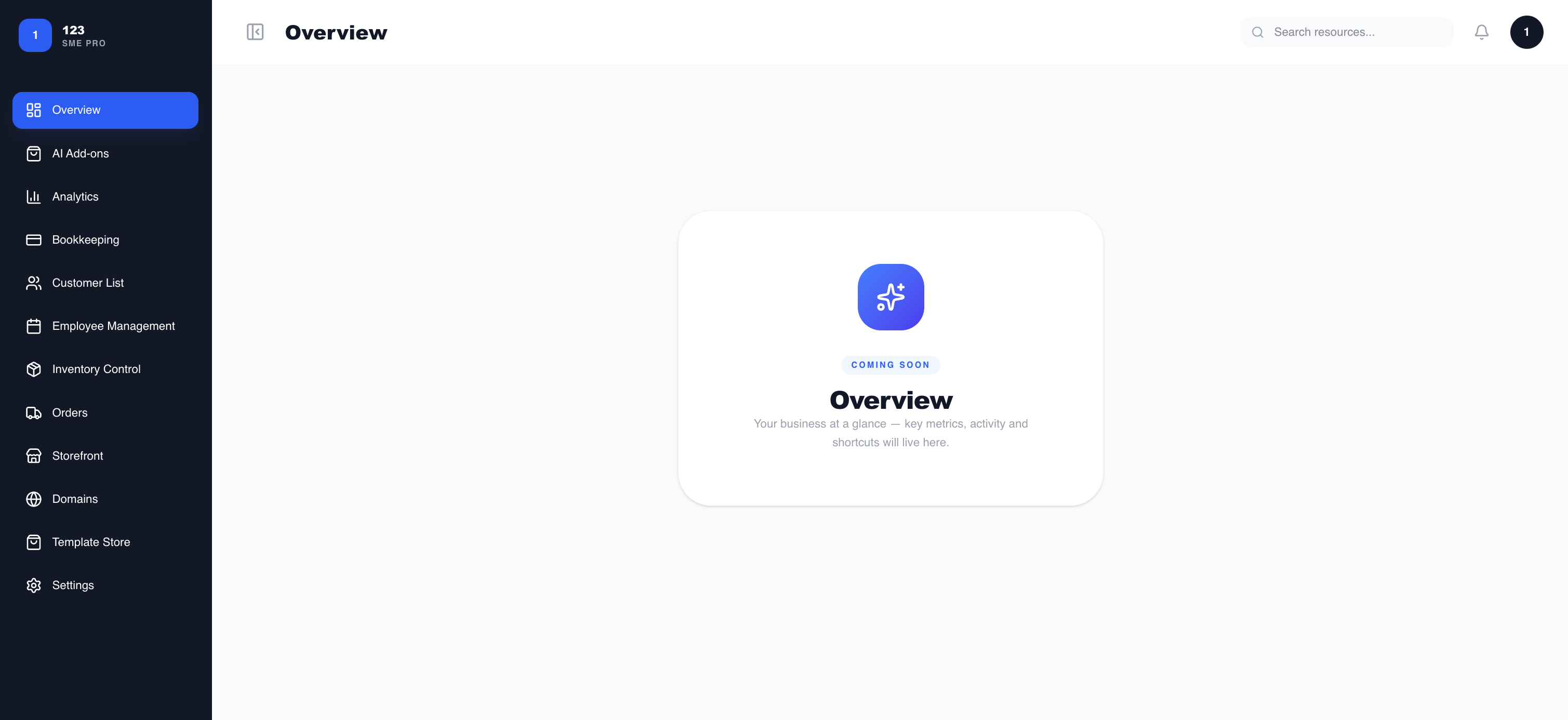
Sidebar sections
- Overview — a snapshot of recent activity and key metrics.
- Analytics — performance and sales trends over time.
- Inventory Control — the products and services you offer.
- Orders — incoming orders from customers.
- Customer List — the buyers who have ordered from you.
- Storefront — how your public storefront looks.
- Domains — connect a custom domain to your storefront.
- Template Store — starter storefront templates.
- Employee Management — your team members.
- Bookkeeping — basic financial records.
- Settings — subscription, billing, and account details.
- AI Add-ons — agent capabilities (coming soon).
For the two most common tasks, see “Setting up your storefront” and “Managing inventory & orders”.