For customers · 3 min read
Your customer portal & order tracking
A tour of the Customer Portal — your profile, recent orders, full order history, and settings.
After signing in as a customer you land in the Customer Portal at /customer-portal. It is a focused space for your orders and account details — not the full business console that partners get.
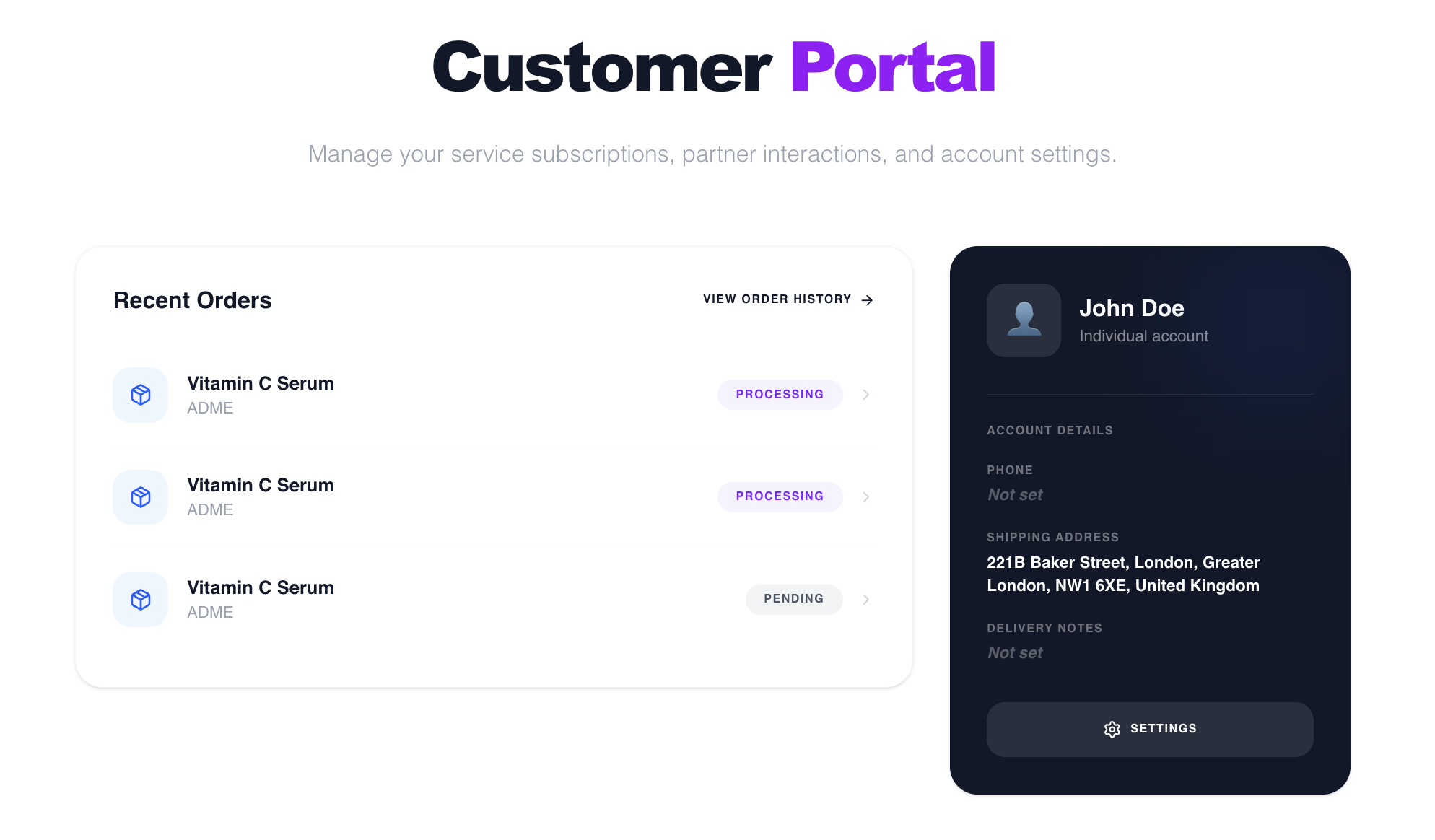
On the home page
- Your info — name, email, and account type.
- Recent orders — your latest orders with a status badge and a link to your full history.
Order history
Open Order history to see every order you have placed and check where each one stands.
- 1Go to Order history from the portal (/customer-portal/orders).
- 2Search by the partner or company name, or filter by status — for example Pending, Confirmed, or Delivered.
- 3Select any order to open its detail page.
Settings
Under Settings you can update your profile and account details. When you are ready to buy, see “Placing an order”.