For customers · 3 min read
Finding solutions in the Directory
Search and filter the Exchange Directory to find verified partner storefronts, products, services, and agents.
The Exchange Directory at /directory is the public catalogue of verified partner storefronts. Anyone can browse it — you do not need to be signed in.
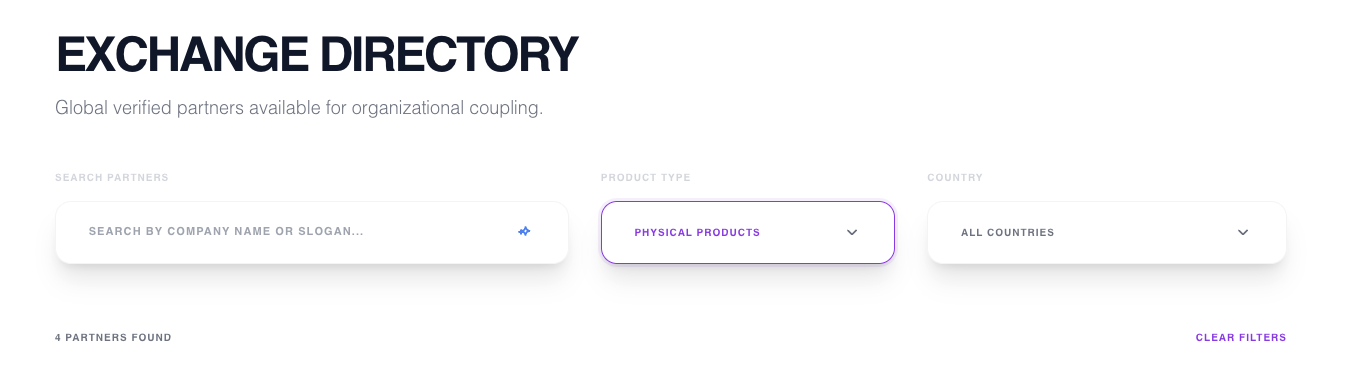
Search and filter
- Type a keyword in the search box to match storefront names and descriptions.
- Use the category rail to filter by type — Physical Products, Services, Products & Services, Event Organisers, AI Agents, or UX Designers.
- Filter by country to find partners in a specific region.
The Directory shows six storefronts per page — use the pager to move through the results.
Opening a storefront
Select any storefront card to open its public page, where you can review its offerings, add items to your cart, and — for agent listings — start an install.