For customers · 4 min read
Placing an order
From cart to confirmation: how to place and track an order on Mediery.
Ordering works the way you would expect from a modern marketplace. Here is the full path from selecting an item to confirmation.
- 1Open a storefront from the Directory and choose the product or service you want.
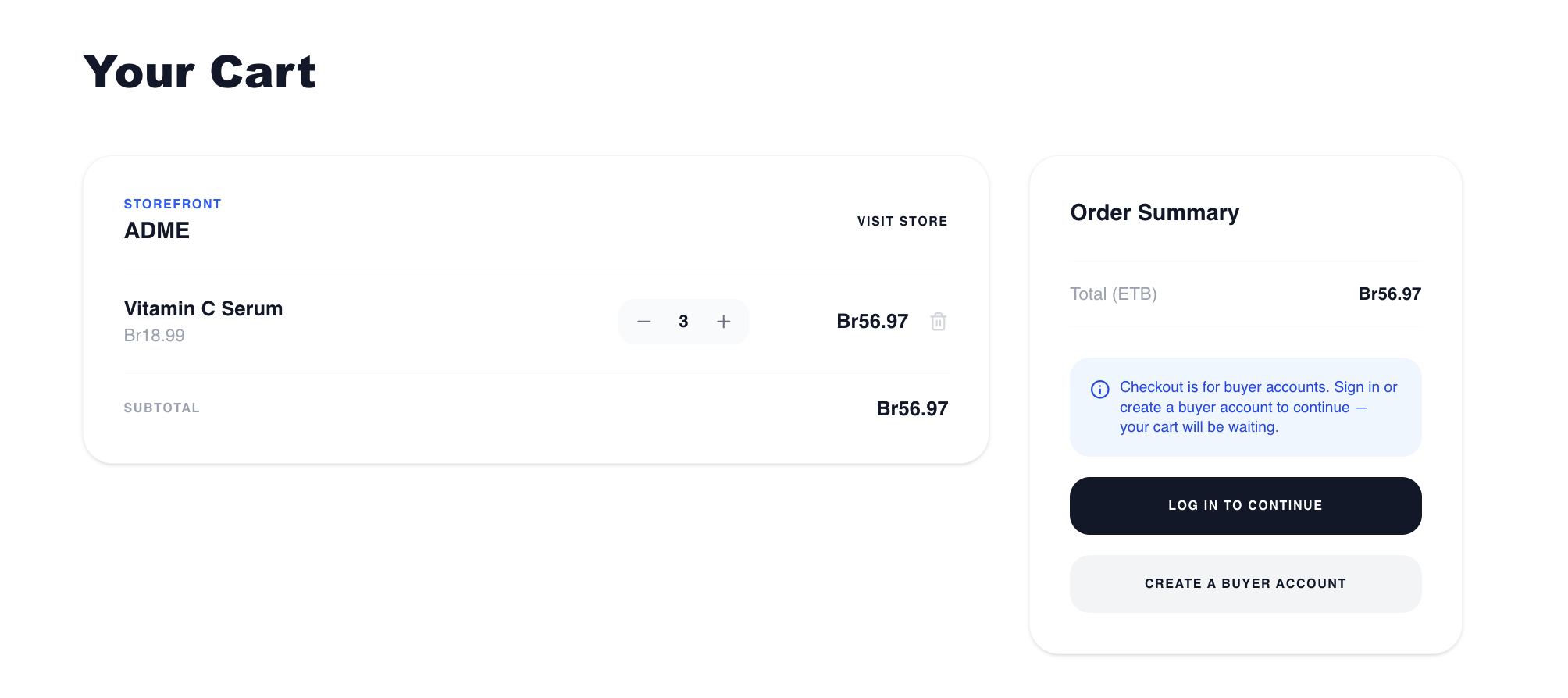
- 2Add it to your cart, then open your cart at /cart — items are grouped by storefront.
- 3Review quantities and prices, always shown with the storefront’s currency symbol.
- 4Continue to the details step (/cart/details). Your profile pre-fills the shipping and billing fields — confirm or edit them.
- 5Choose “Place Order”.
After you order
You will see an “Order placed” confirmation and your cart is cleared. Payment is by bank transfer — the partner will be in touch with instructions to complete it.
Track the order any time from Order history in your Customer Portal. See “Your customer portal & order tracking”.