Getting started · 2 min read
Customer or partner: which account do you need?
Two ways to use Mediery — buy through a customer account, or sell by enlisting as a partner. Here is how to choose.
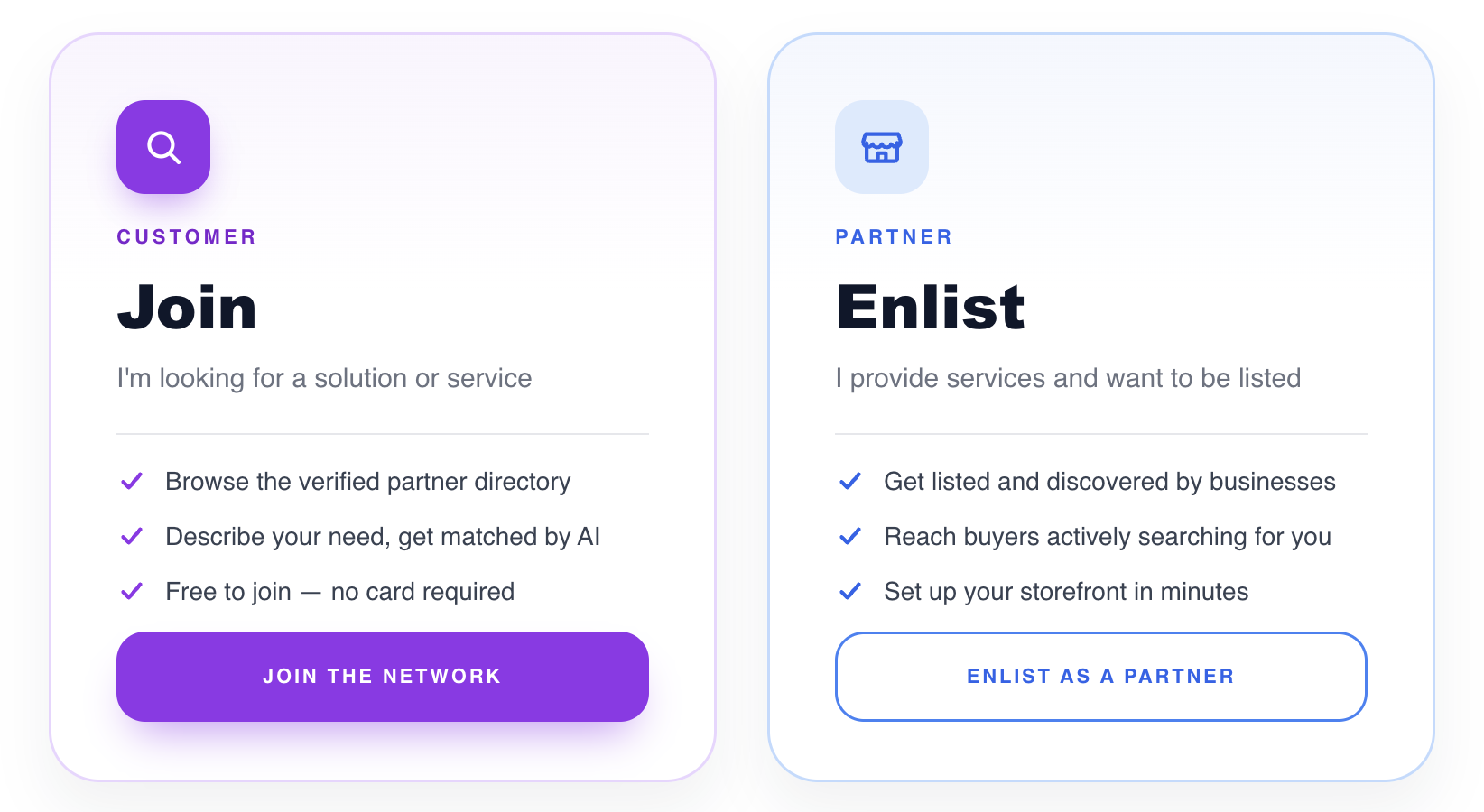
Mediery serves two audiences, and you sign up through a different entry point depending on which one you are. Pick the path that matches what you want to do — the rest of this guide is split into a customer track and a partner track so you only read what is relevant.
Choose a customer account if you want to…
- Browse the Exchange Directory of verified partner storefronts.
- Describe what you need and get matched by AI.
- Place orders for the products and services you find.
- Track those orders from a lightweight Customer Portal.
Enlist as a partner if you want to…
- Publish a public storefront in the Directory and get discovered by buyers.
- List and manage your products and services with Inventory Control.
- Receive and fulfil customer orders, and keep a Customer List of your buyers.
- Keep your books with built-in Bookkeeping.
- Manage your team with Employee Management.
- Track performance and sales trends with Analytics.
- Start from ready-made storefront templates and connect a custom domain.
- Run it all from the feature-rich Partner Console (AI add-ons coming soon).
Already decided? Jump to “Signing up as a customer” or “Enlisting as a partner”.